Cleaner Dispatch Generator
Round-robin assign your turnovers, draft the SMS, and print or PDF a branded dispatch sheet.

| Property | Address | BR | Cleaner | Phone |
|---|---|---|---|---|
| p1 | 123 Pine | 2 | Ana | 555-0001 |
| p2 | 456 Oak | 3 | Beto | 555-0002 |
SMS templates
- Hi Ana — turnover 2026-06-05 at 123 Pine (2BR). Standard SOP. Reply Y to confirm.
- Hi Beto — turnover 2026-06-05 at 456 Oak (3BR). Standard SOP. Reply Y to confirm.
How it works
Each turnover is paired with the next cleaner in your roster, cycling through the list. The SMS template fills cleaner name, address, date, and bedroom count. Download the dispatch sheet as a PDF for printing, or copy the SMS lines into your messaging app.
Read the deep-dives
-
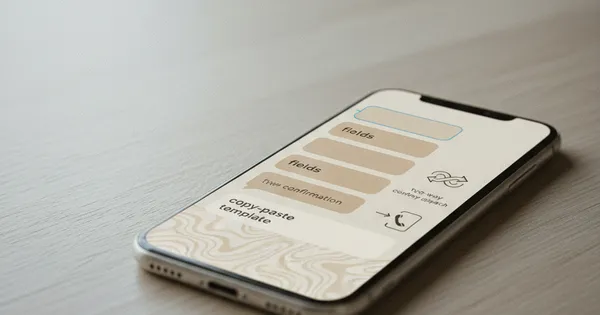
Airbnb cleaner SMS template that actually gets read
The four fields every cleaner SMS needs at the door, a copy-paste Airbnb cleaner text template, and why two-way confirmations beat send-and-pray dispatch.
Read · 6 min
-

Airbnb turnover time: how tight is too tight?
The math behind same-day Airbnb turnovers — minimum cleaner time, why a higher cleaning fee doesn't fix variance, and the gap rule multi-property hosts actually run.
Read · 7 min
How to use this tool
- Set the dispatch date.
- List your turnovers — one per line:
propertyId,address,bedrooms. - List your cleaners — one per line:
name,phone. - Download the dispatch sheet PDF or copy the SMS templates.
FAQ
How are cleaners assigned?
Round-robin — turnovers are distributed evenly across the cleaner list in order.
Can I customize the SMS template?
Not in this version — the template is fixed for consistency. Edit the PDF after download if you need to.
Is the PDF branded?
Yes — strops.tools header with the ops accent green.
Are cleaner contacts saved?
No. Everything lives in your URL only.
Cleaner marketplace + scheduling; pairs well with the dispatch generator.
Check it out →