Airbnb Turnover Scheduler
Paste your bookings, set your turnover window, and see every tight changeover and overlap at a glance.

Turnovers
| Property | From | To | Gap (h) | Status |
|---|---|---|---|---|
| p1 | b1 | b2 | 4 | ok |
Conflicts
No conflicts detected.
How it works
Each booking gets a check-out time of 11:00 UTC and the next a check-in of 15:00 UTC. We sort per-property, compute the gap in hours, and flag any below your "turnover hours required" threshold. Same-property check-out before the previous check-out is reported as a conflict.
Read the deep-dives
-

Airbnb turnover time: how tight is too tight?
The math behind same-day Airbnb turnovers — minimum cleaner time, why a higher cleaning fee doesn't fix variance, and the gap rule multi-property hosts actually run.
Read · 7 min
-
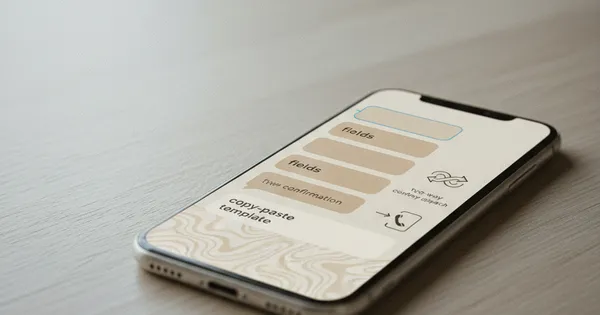
Airbnb cleaner SMS template that actually gets read
The four fields every cleaner SMS needs at the door, a copy-paste Airbnb cleaner text template, and why two-way confirmations beat send-and-pray dispatch.
Read · 6 min
How to use this tool
- Set your minimum turnover window (default 4 hours).
- Paste bookings — one per line:
propertyId,bookingId,checkIn,checkOut. - Watch the table update live.
- Copy the share link to send the schedule to a partner or cleaner manager.
FAQ
What is a turnover gap?
The hours between one guest checking out and the next checking in — your window for cleaning, restocking, and inspection.
Why does same-day turnover matter?
Same-day turnovers compress every operational task into 4-6 hours. Tracking them helps you decide whether to staff up or block the night.
What does a "tight" turnover mean?
A turnover gap shorter than the hours you set as your minimum — flagged so you can act early.
Are bookings stored?
No. All inputs live in your URL only — nothing is sent to a server.
Can I print this?
Yes. The print stylesheet shows just the inputs and the schedule.
Cleaner marketplace + scheduling; pairs well with the dispatch generator.
Check it out →